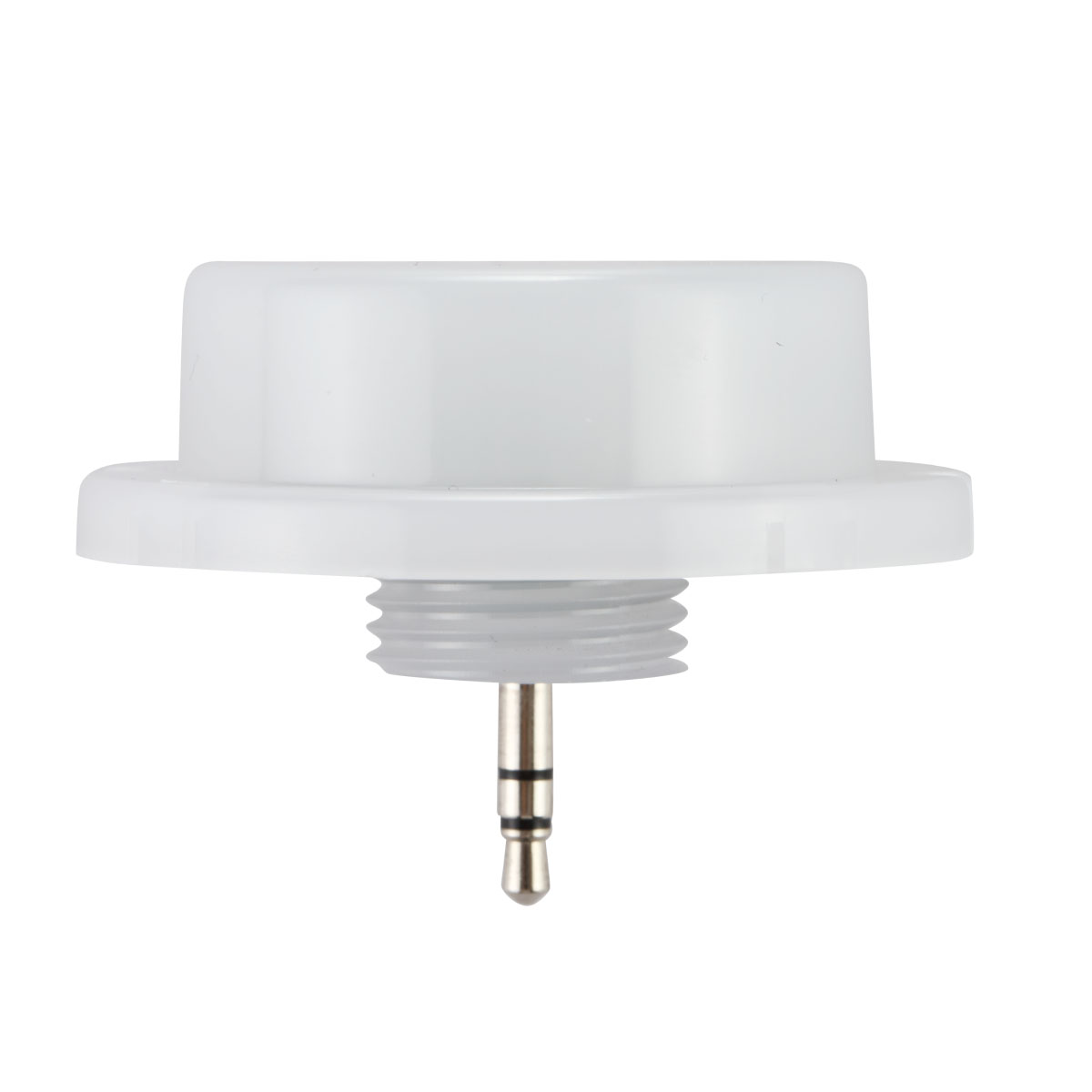
Products for this application:
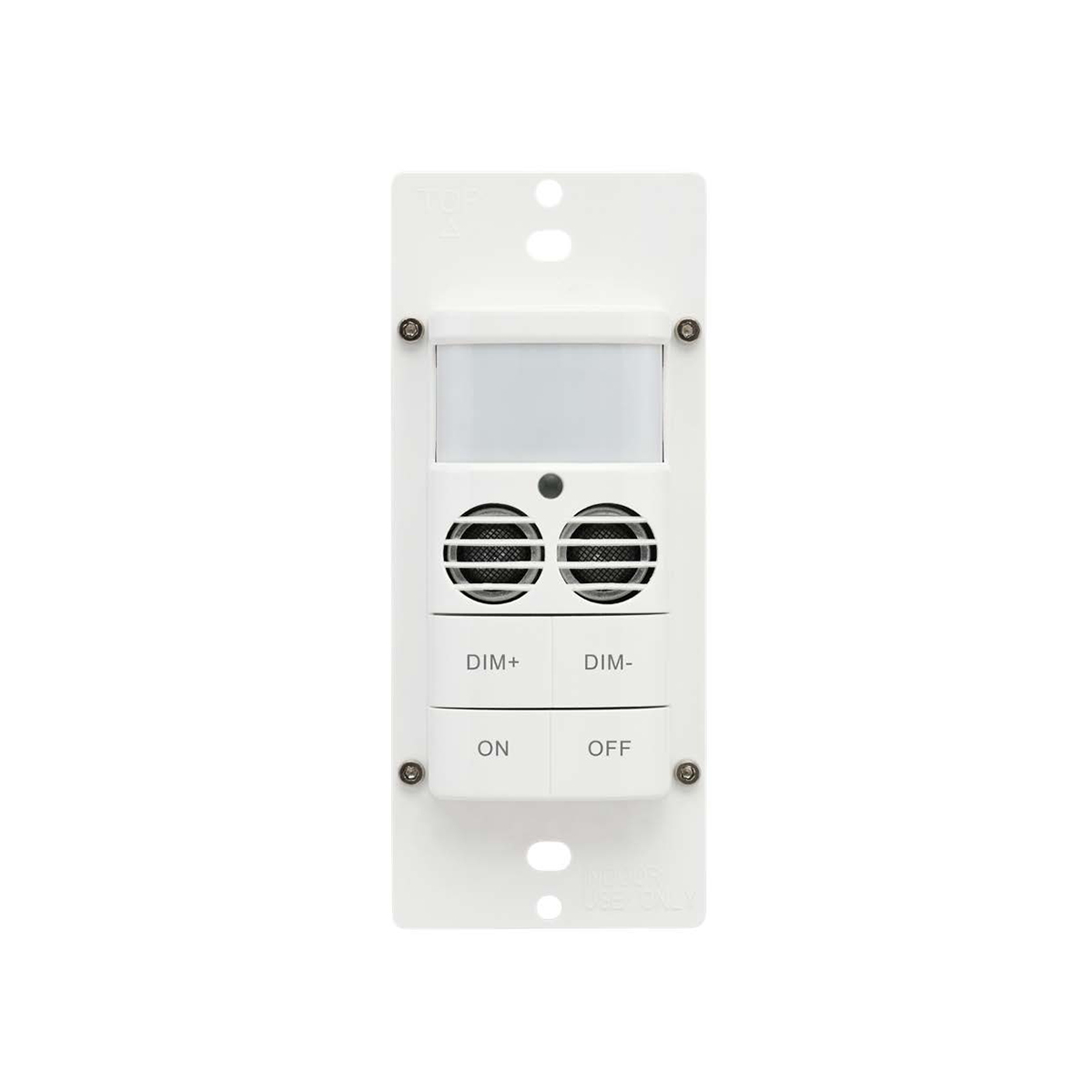
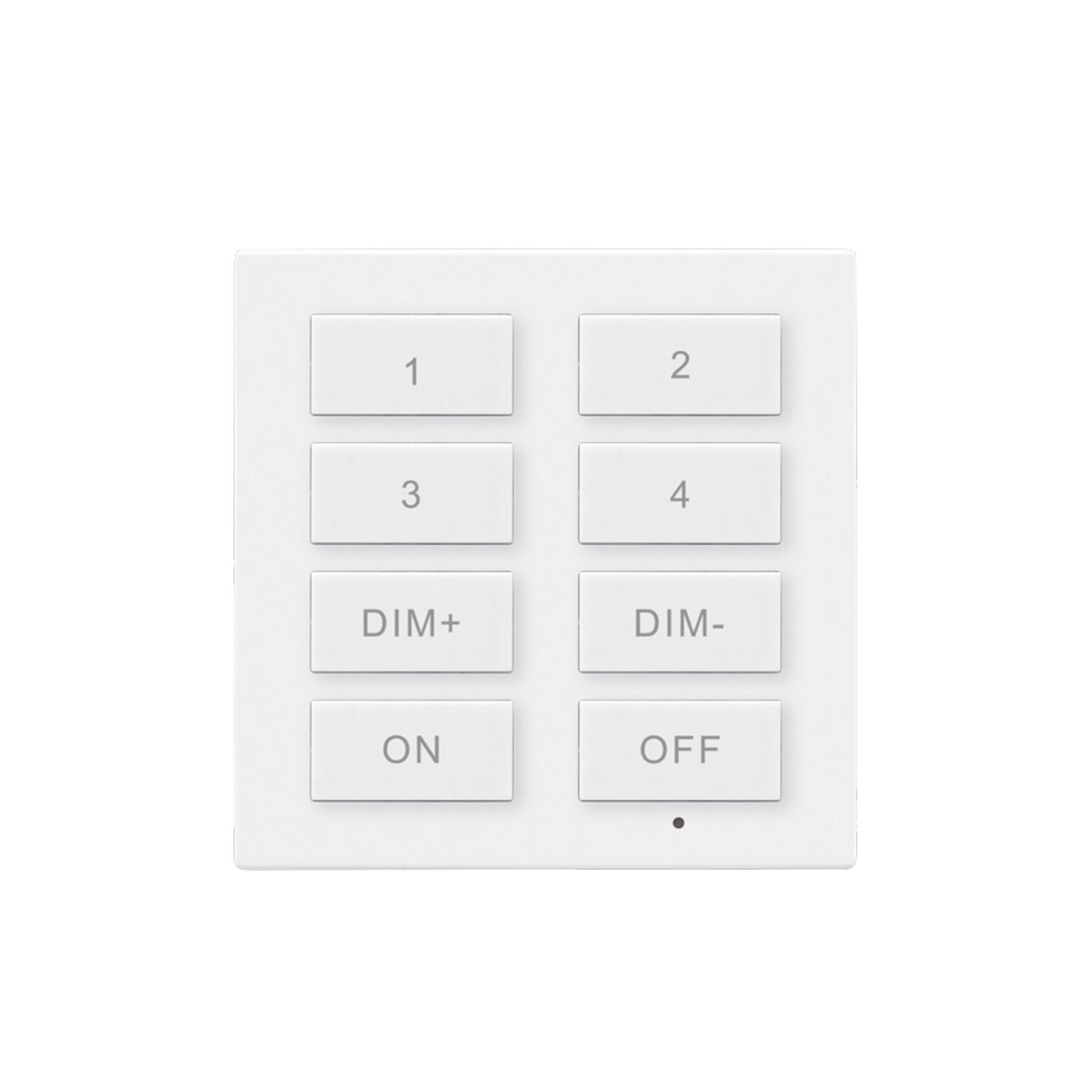
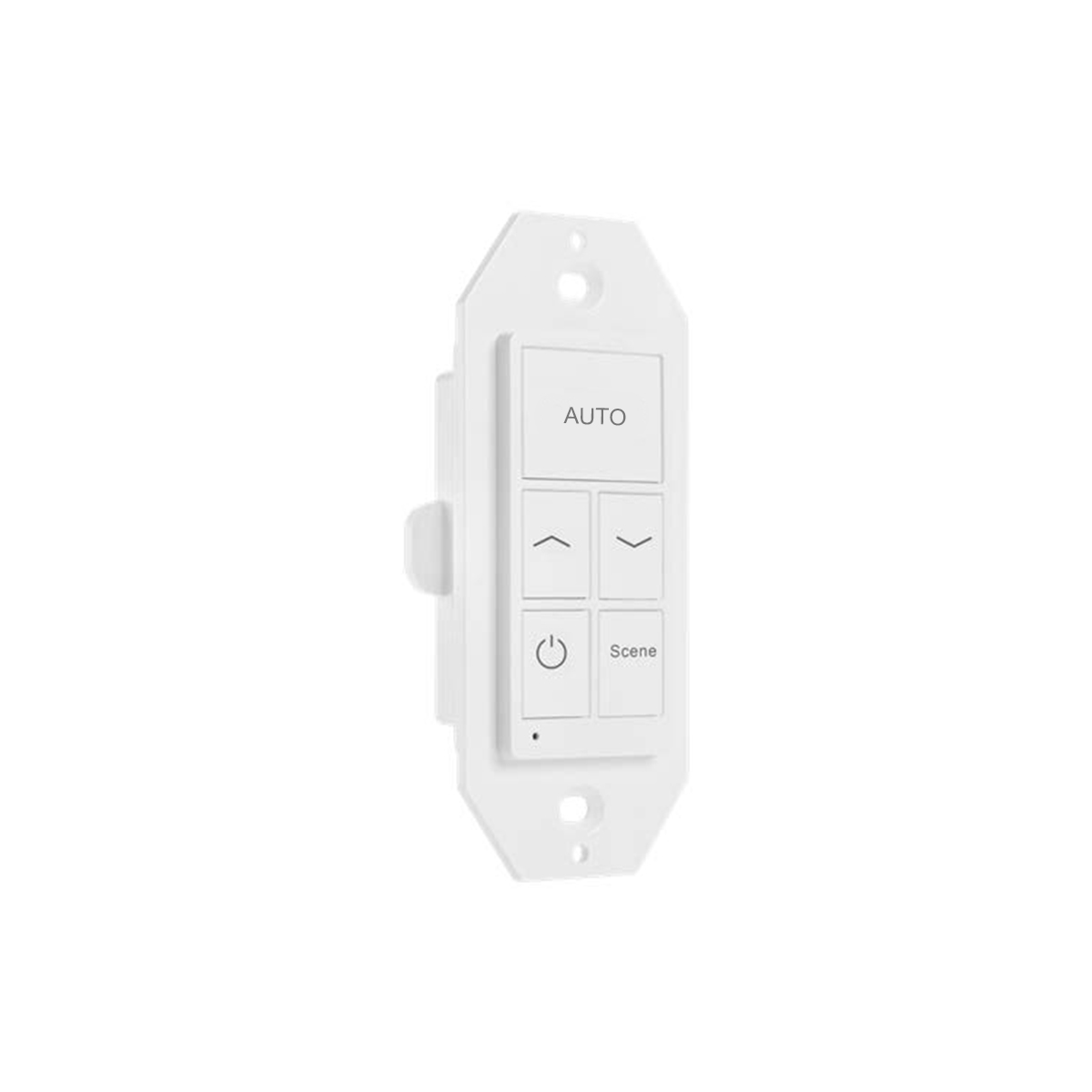
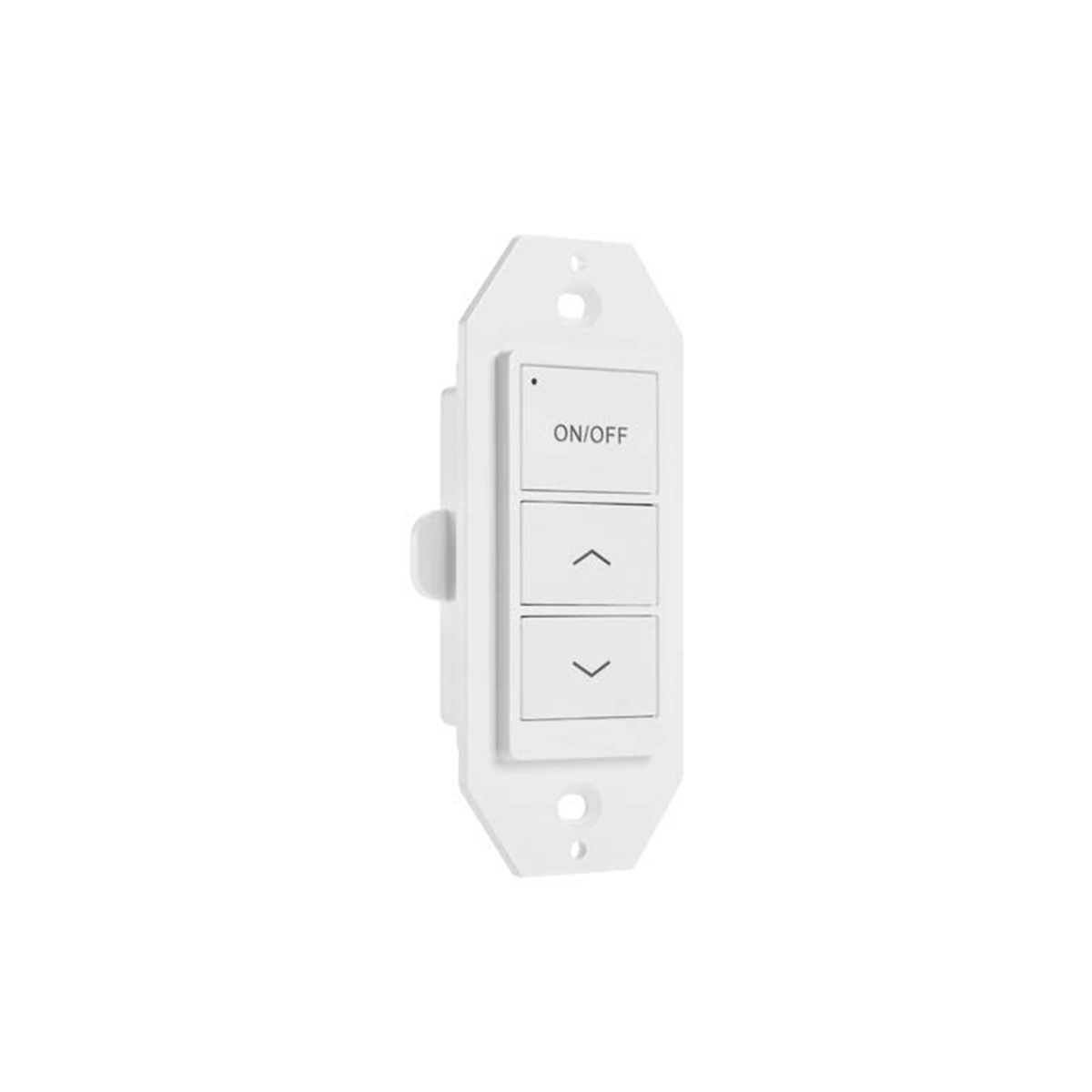
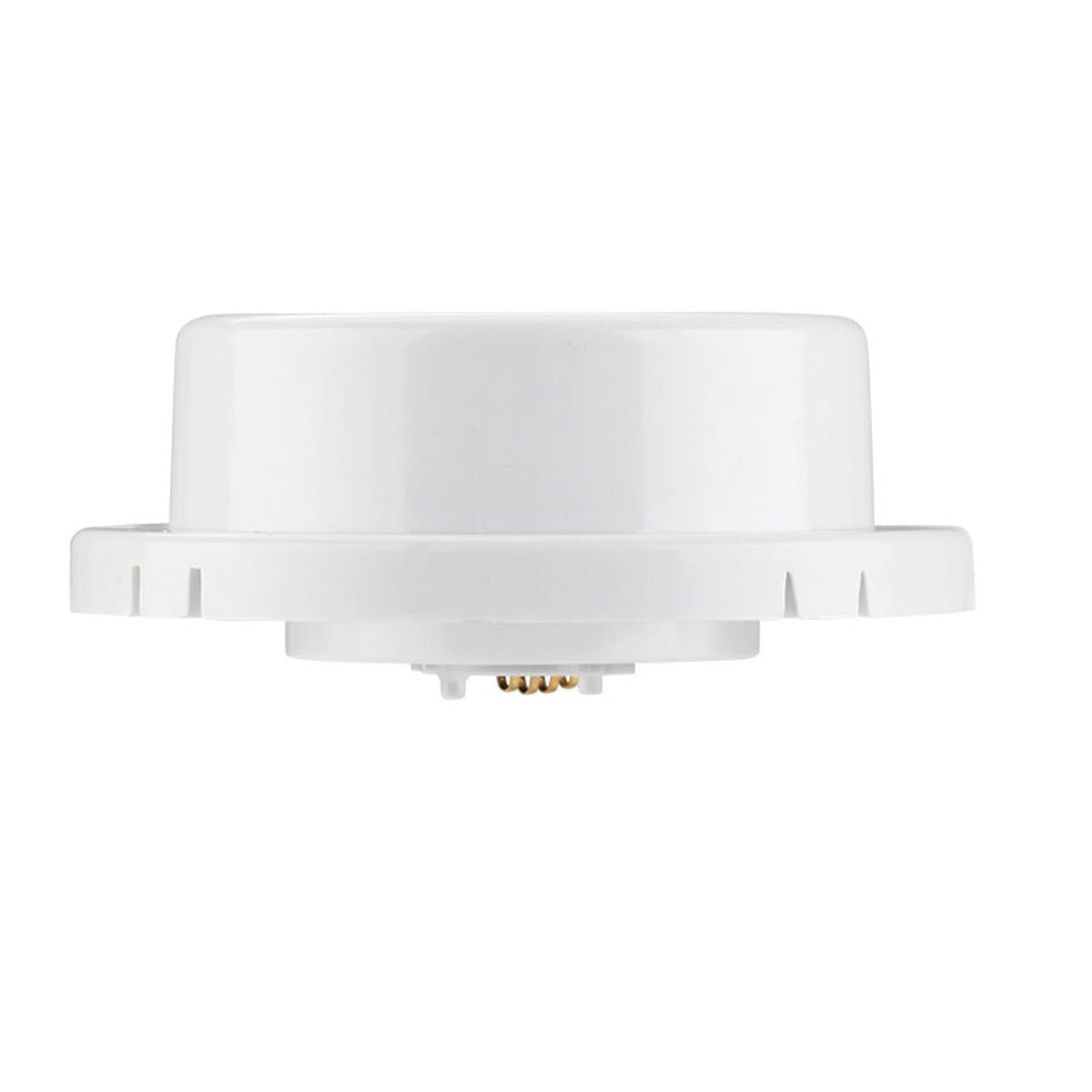
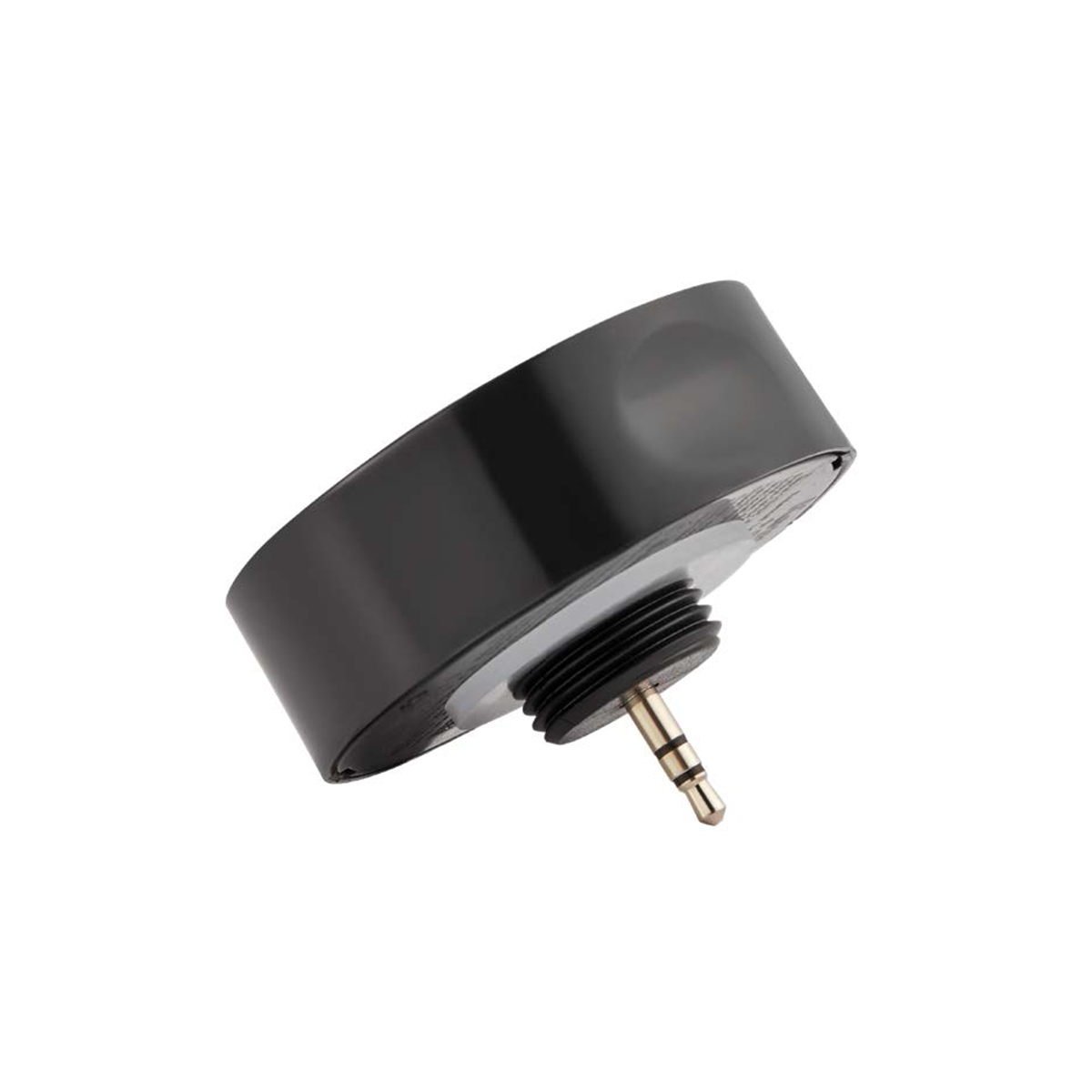
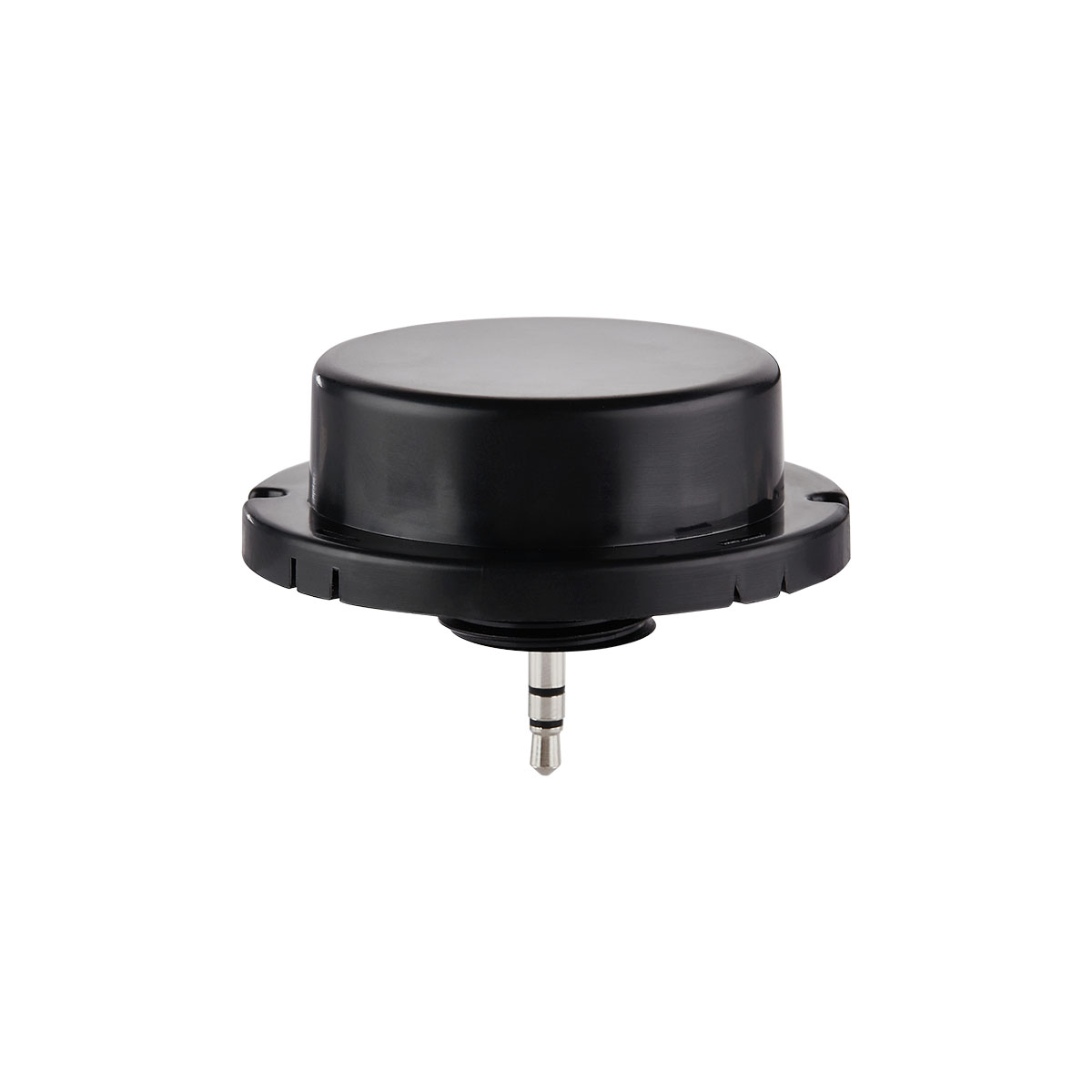
A sensor, such as a EFS107 (designated as “E”); A controller, such as a PPA102S (designated as “P”); and a Bluetooth switch such as a WP1013 (designated as “S”)
Configuration Setup:
Join “E”, “P” and “S” in a Zone.
Configure “E” to:
Enable motion sensing. Set to Vacancy mode with T1=Infinite, T2=1, Dim Level=50%, disable Daylight Harvesting (DLH).
Configure “P” to:
Enable motion sensing, Occupancy mode, T1=1, T2=(Fan delay OFF time out), Dim Level=100%, disable DLH.
Create a Group and add “E” and “P” as members. Enable Linkage. Set Linkage brightness at 100%.
Associate “S” with “E”/
Results:
Turn ON the switch when entering the room. This will turn ON the lights and the fan.
When leaving the room, turn OFF the switch and the lights will turn off but the fan will stay ON till the Time-Out delay occurs.
Alternate Configuration:
To have occupancy be automatic, change from the Vacancy mode of “E/P” to Occupancy mode.