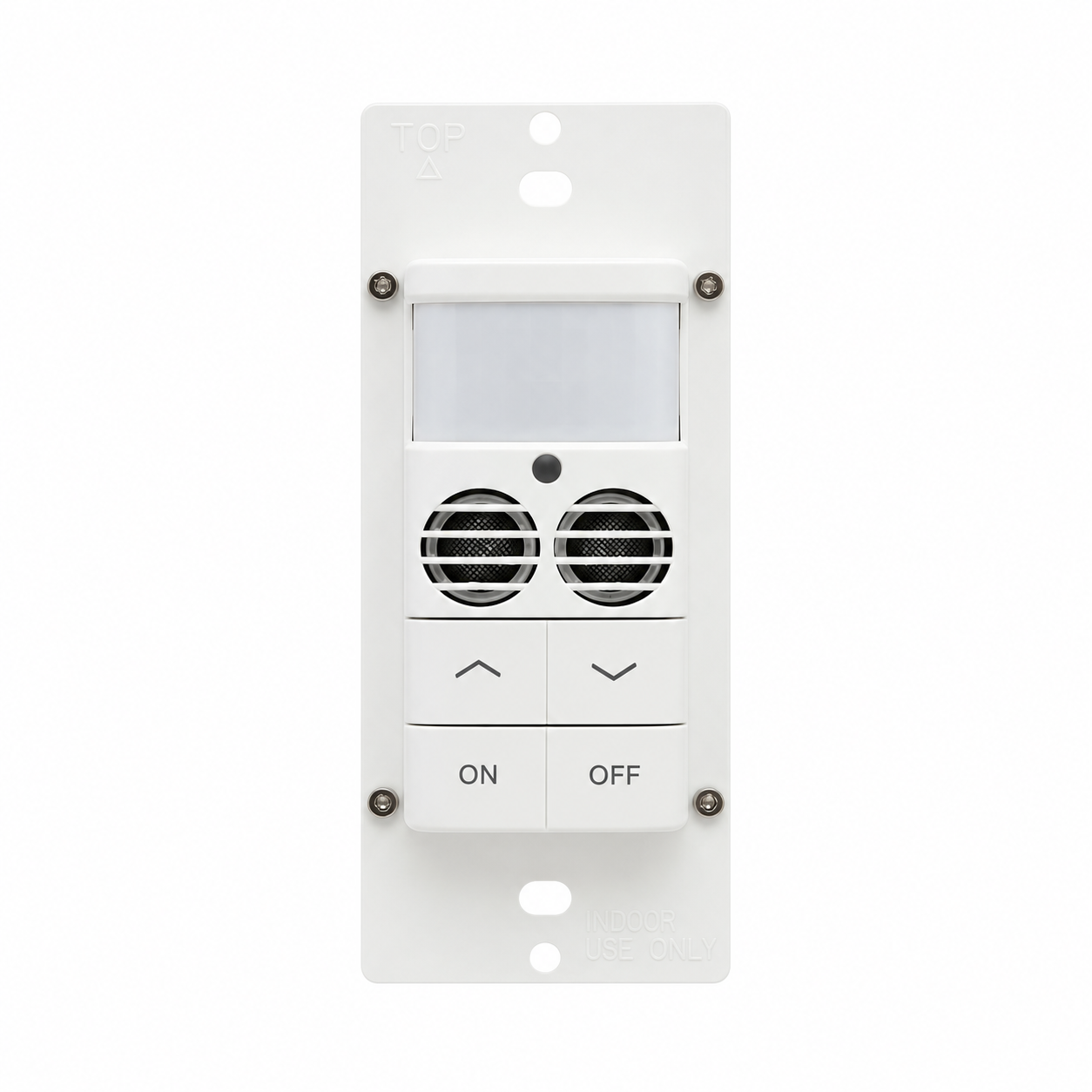
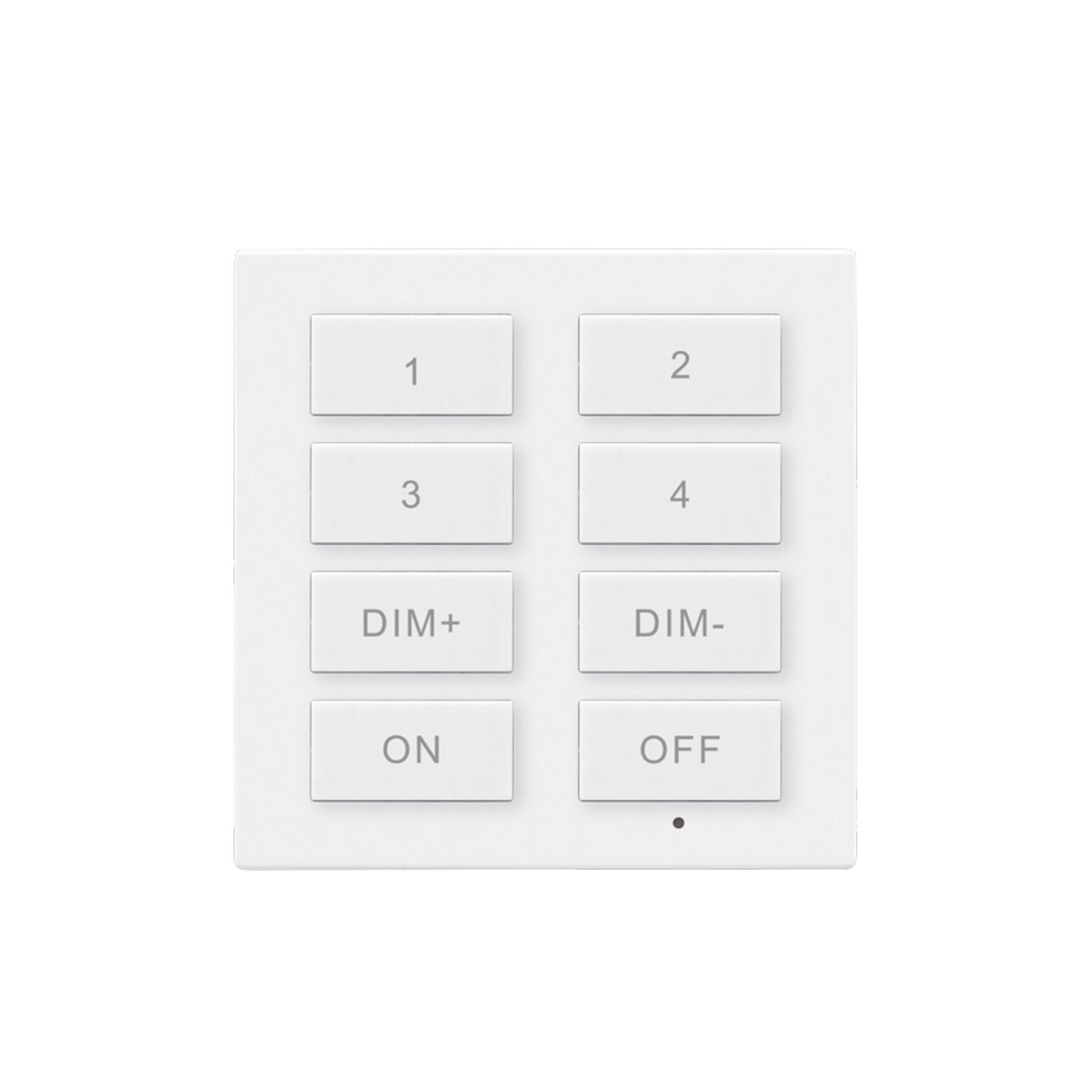
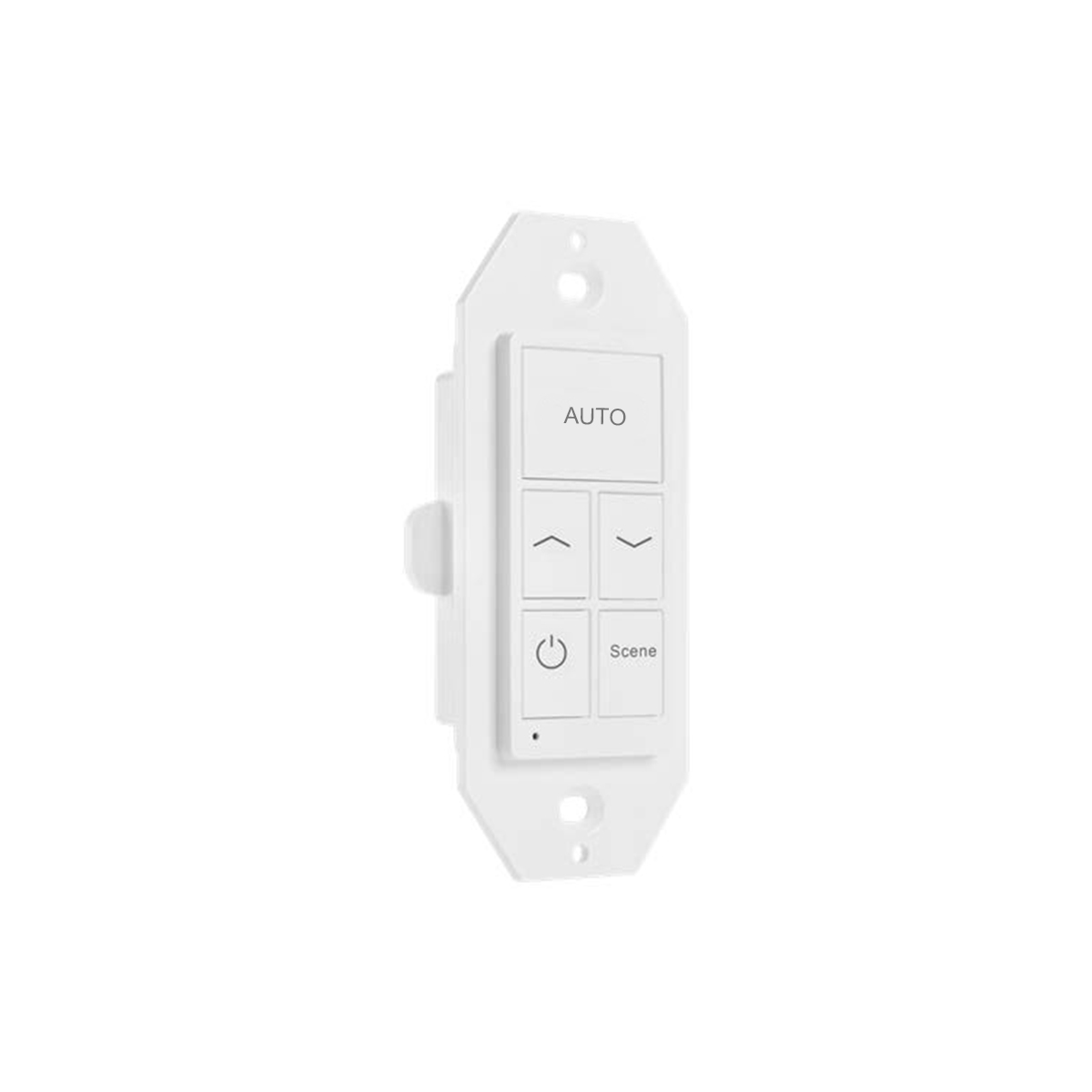
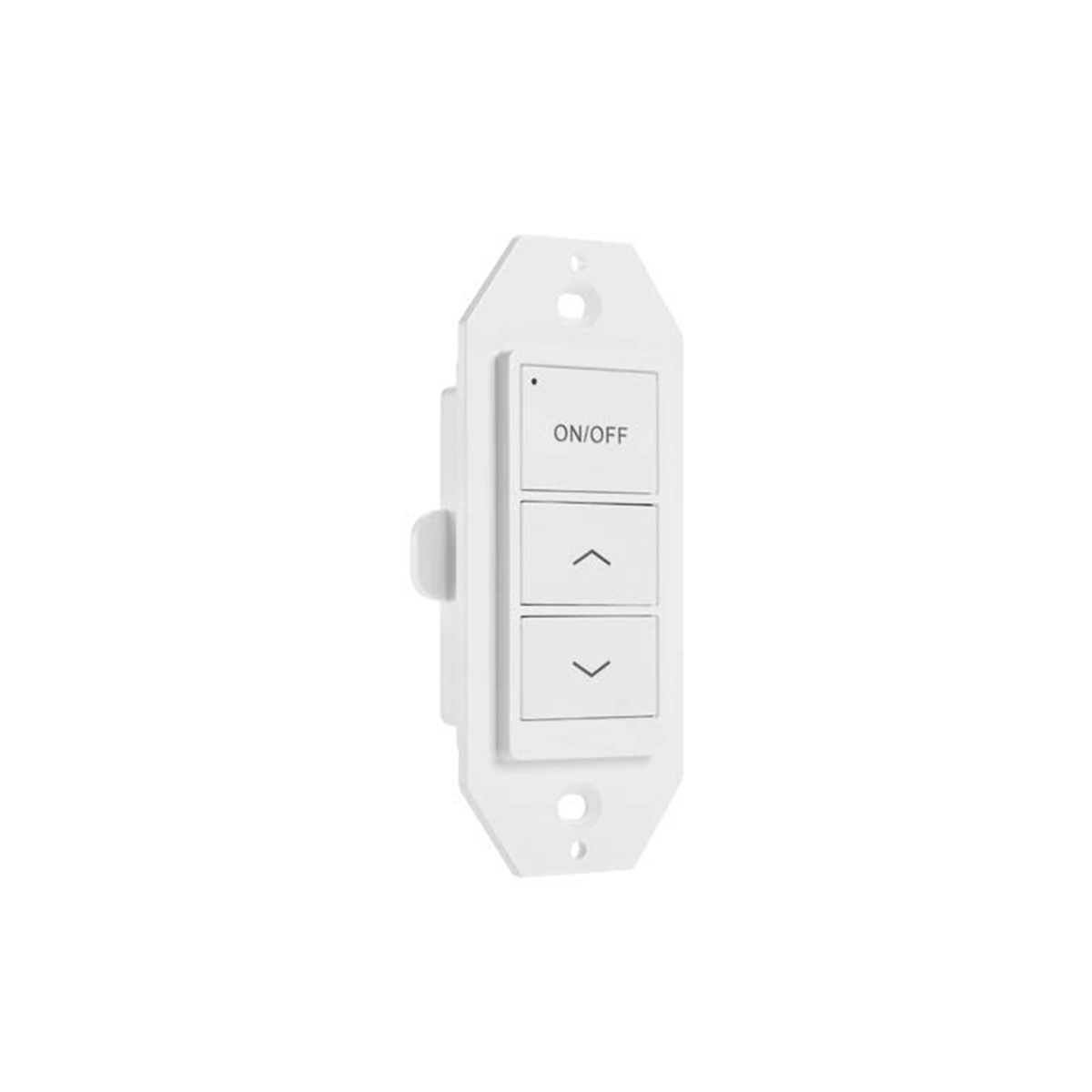
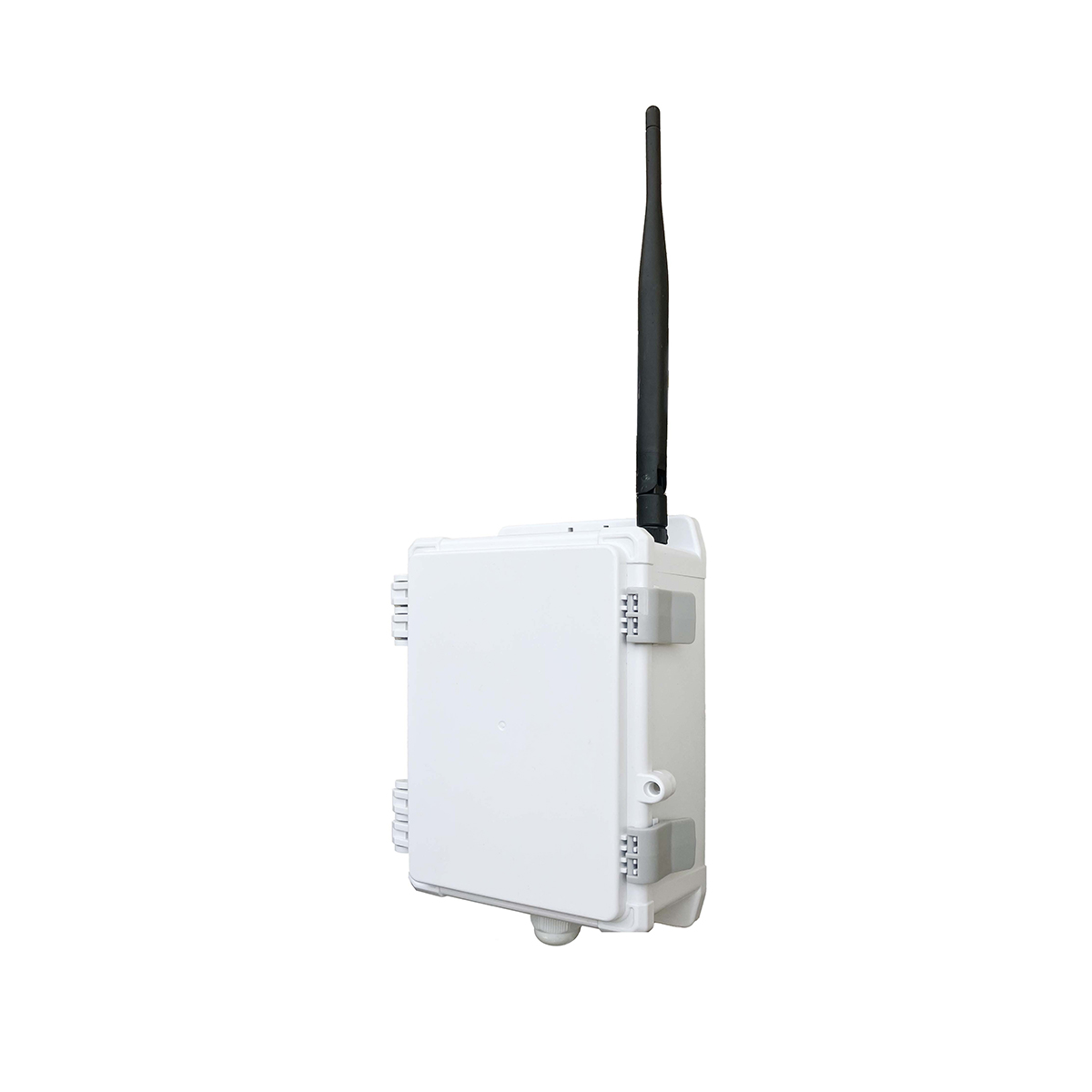
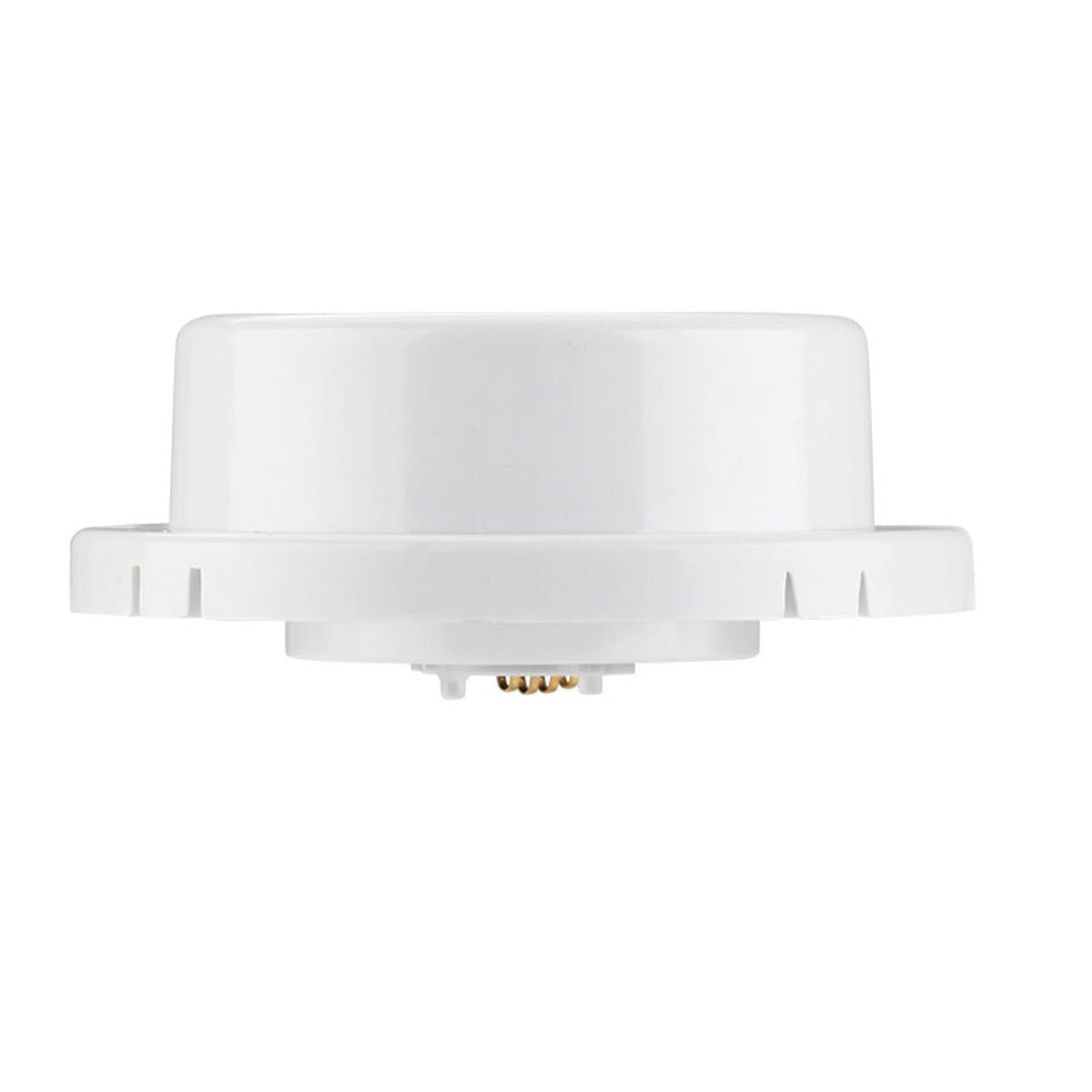
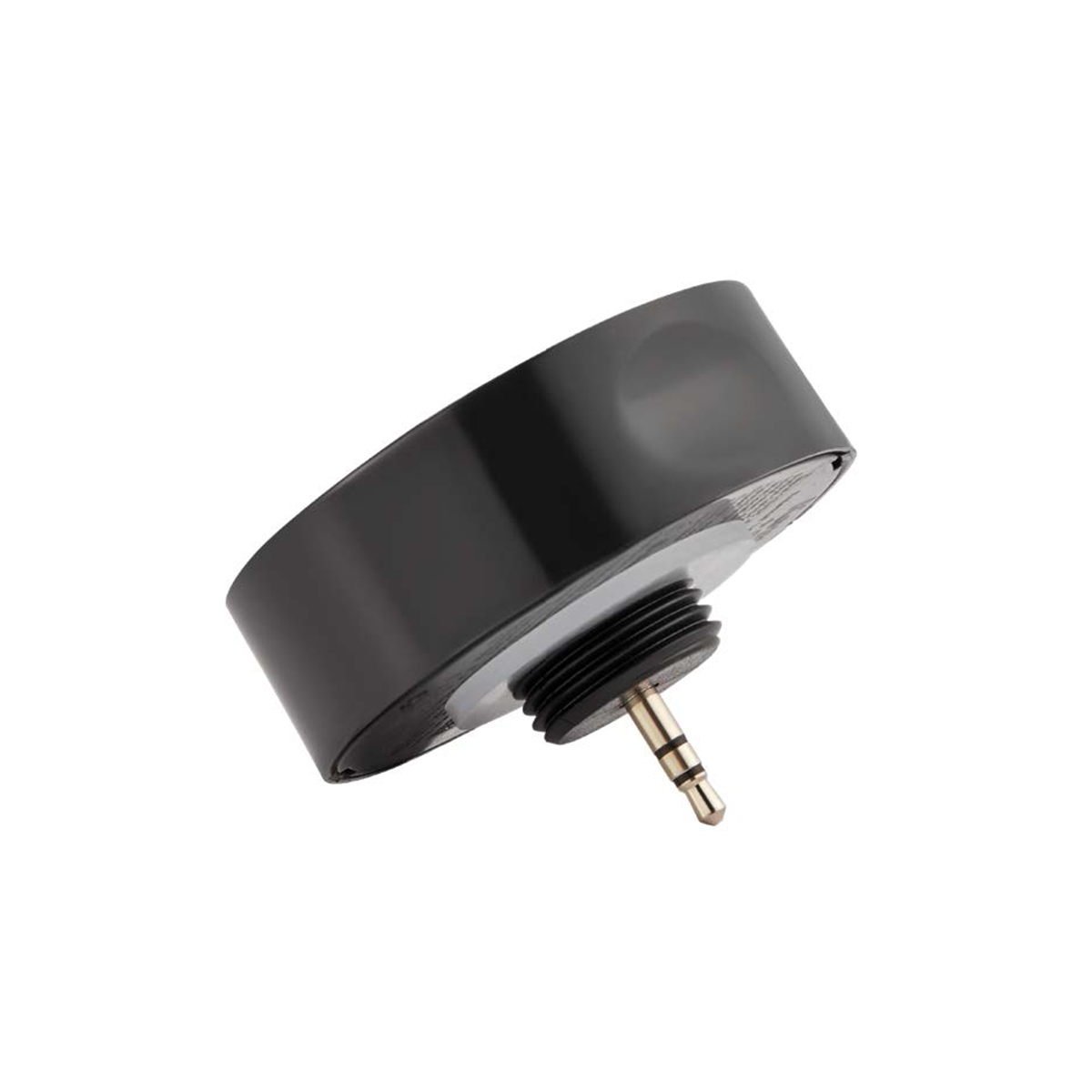
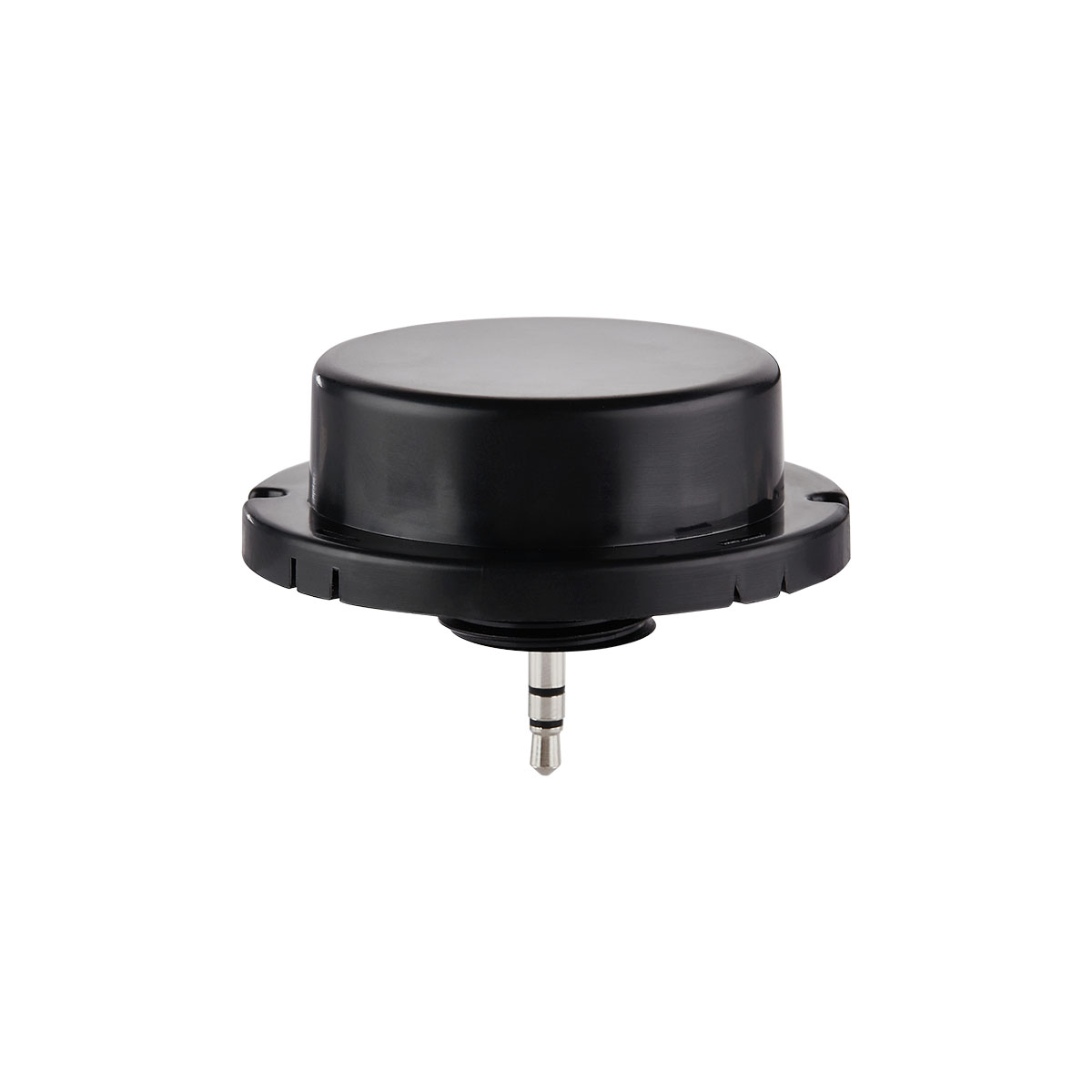
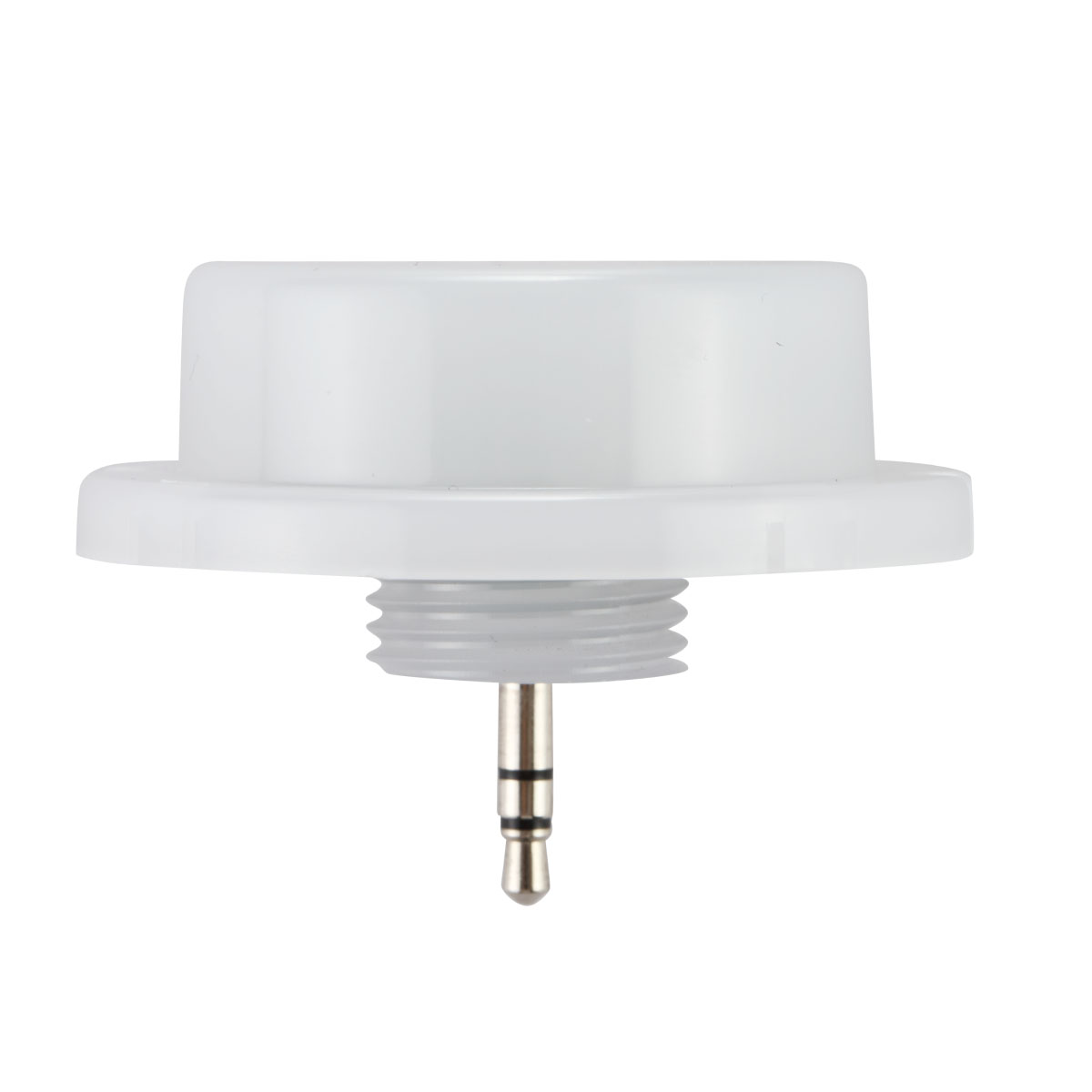
Yes, Keilton’s sensors support both “Occupancy Mode” and “Vacancy Mode” for automatic lighting control.
Here is an overview of how to configure each mode:
Vacancy Mode:
*Lights default to OFF when entering an area
*User must press a switch to turn lights ON manually
To enable:
*Do not enable motion sensing
*Use switches to control lights
Occupancy Mode:
*Lights turn ON automatically when motion detected
*Lights stay on as long as motion continues
*Lights turn OFF after a time delay when no motion detected
To enable:
*Enable motion sensing
*Set desired ON and OFF time delays
*Dim lights to 0% when turning OFF to keep in occupancy mode
The key is that Occupancy Mode requires motion sensing enabled, along with appropriate time delays set for the application.
Dimming lights to 0% vs. toggling power when turning off also keeps the lights in an automatic occupancy control state.